Lock
Protect RaiDrive with a PIN — anyone at the PC can see the drive list, but locking prevents changing, connecting, or removing drives without the PIN.

Enable the application lock
- Open Settings → Lock.
-
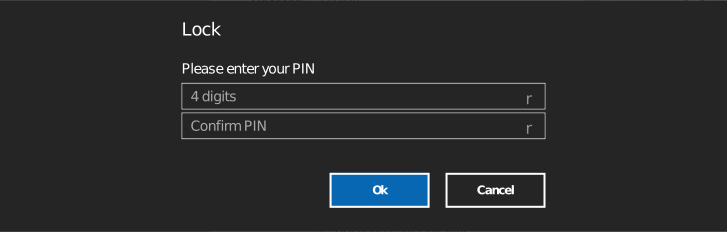
Check Use application lock and set a PIN.
-
Choose the lock behaviors:
| Option | Effect |
|---|---|
| Connect after unlock | Drives connect only after the app is unlocked |
| Disconnect after idle time | Drives disconnect automatically after the set idle time, and the app locks — choices: off, 1/2/3/5/10/15/20/25/30/45 min, 1/2/3/4/5 hr |
Locking and unlocking
Once enabled, lock the app from the toolbar; unlock by entering the PIN. While locked, drive properties and the Settings panel are not accessible.
Keep the PIN safe
The PIN is set locally in the app. If you lose it, you cannot open the settings to turn the lock off.